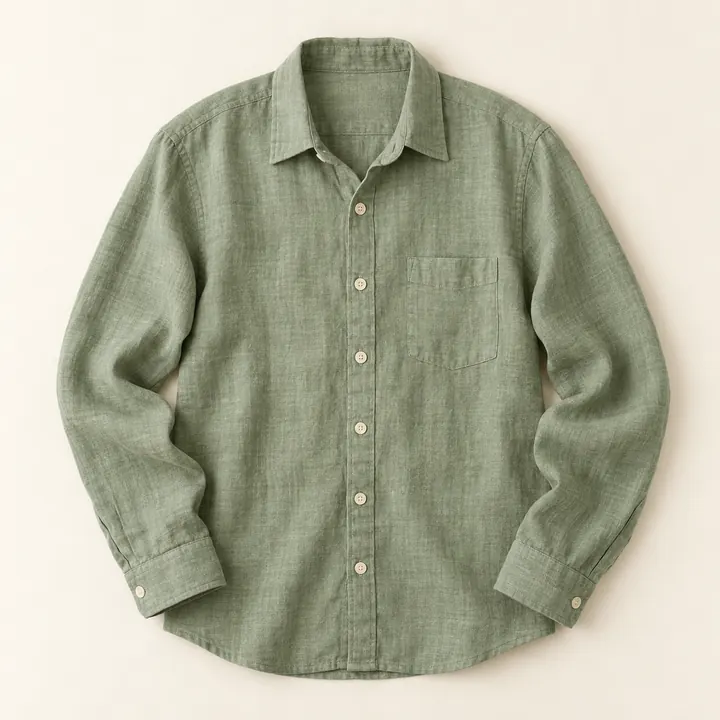
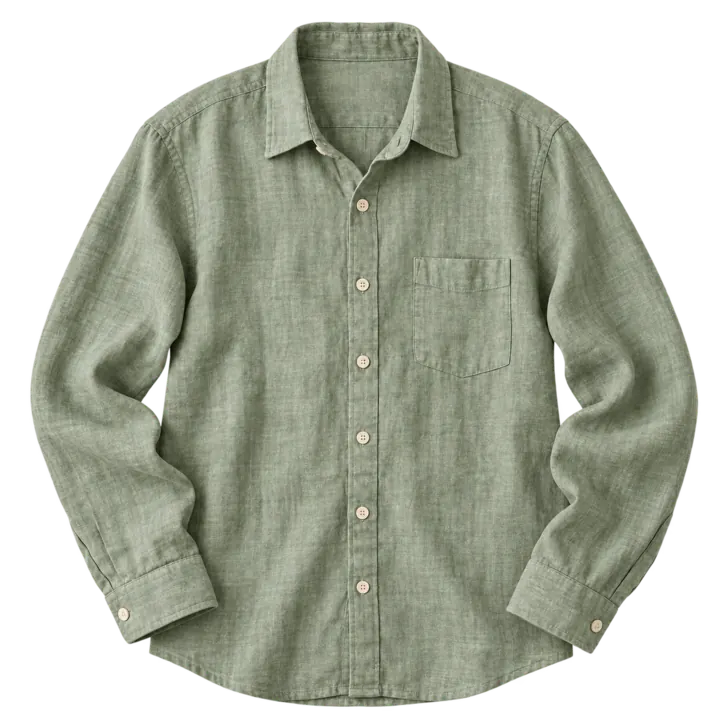
Remove background
Let your product stand out on a clean cut-out.
AI product photos for small shops
Take one photo of your product. Pick a look. Get a studio-quality image for your shop, Instagram or marketplace listing in about a minute.
5 free photos when you sign up. One product photo is all you need.
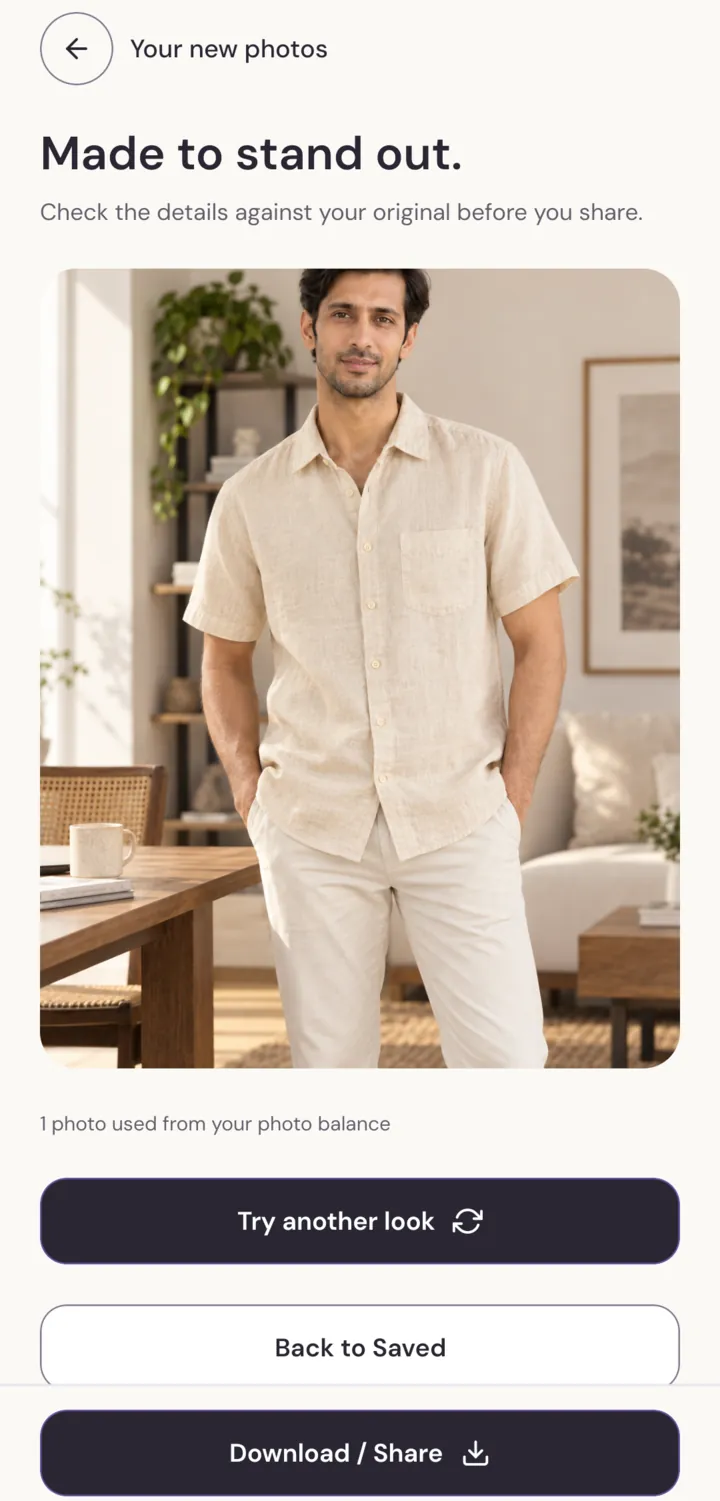
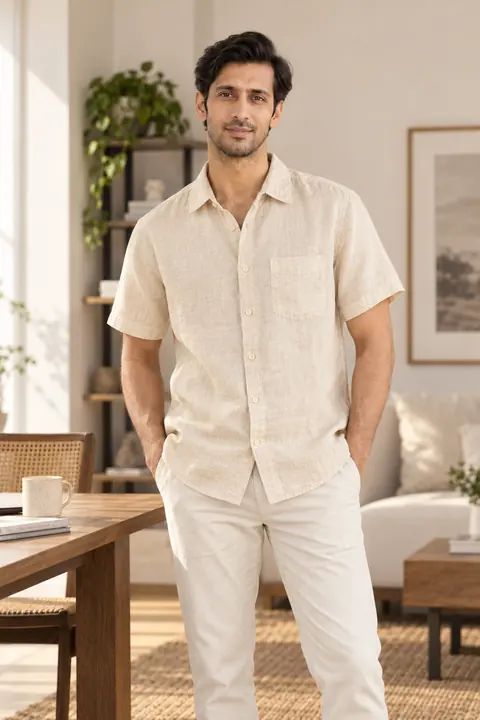
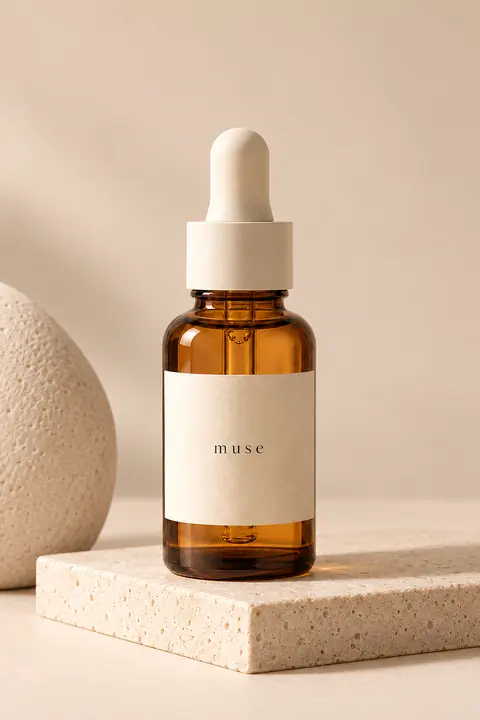
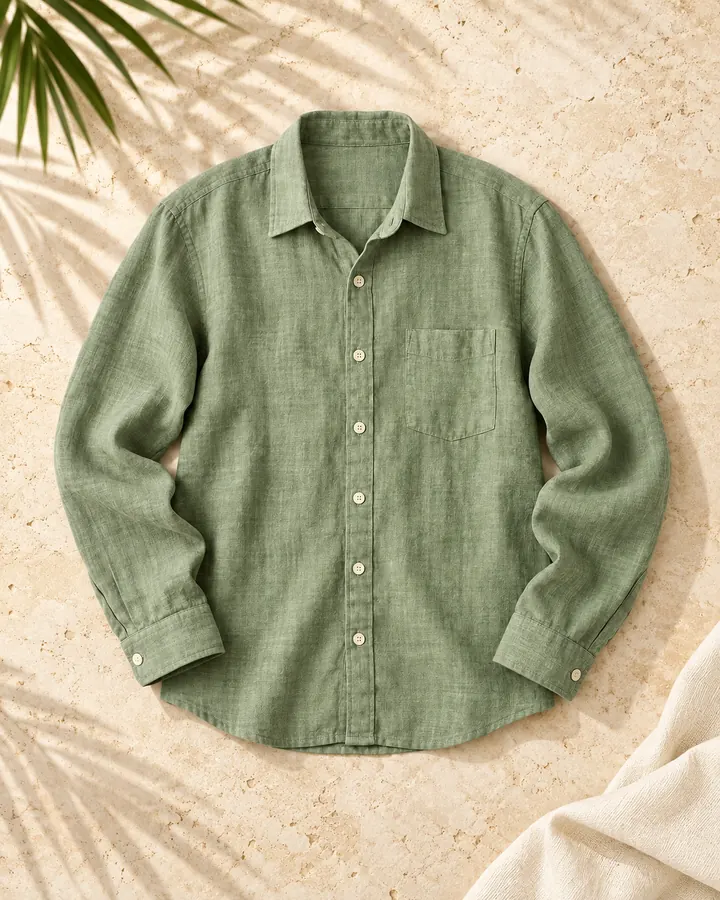
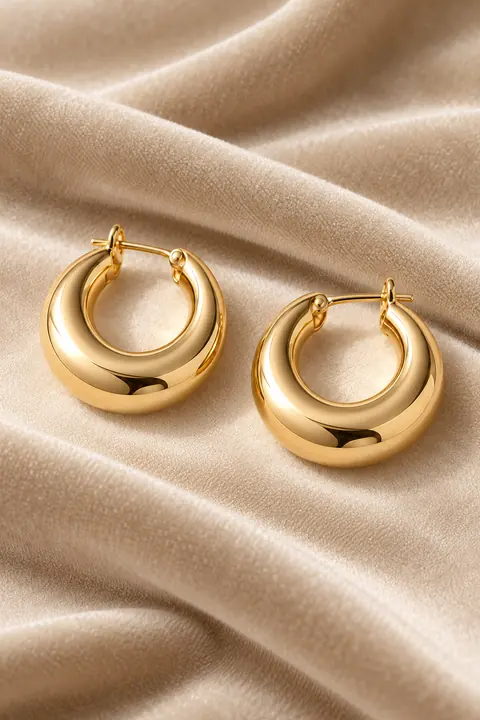
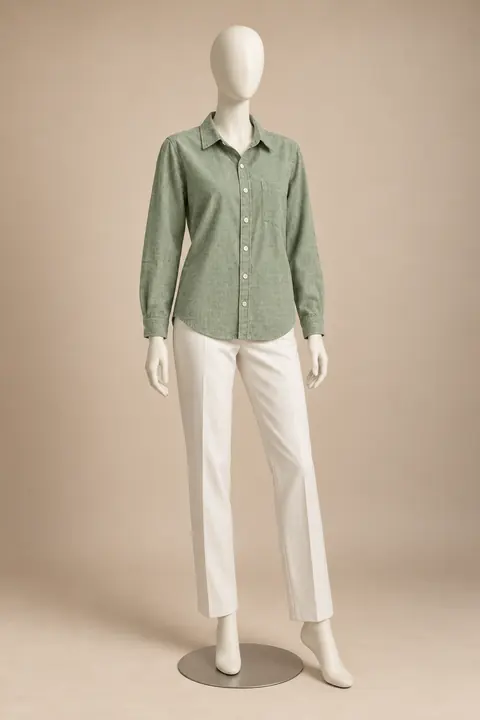
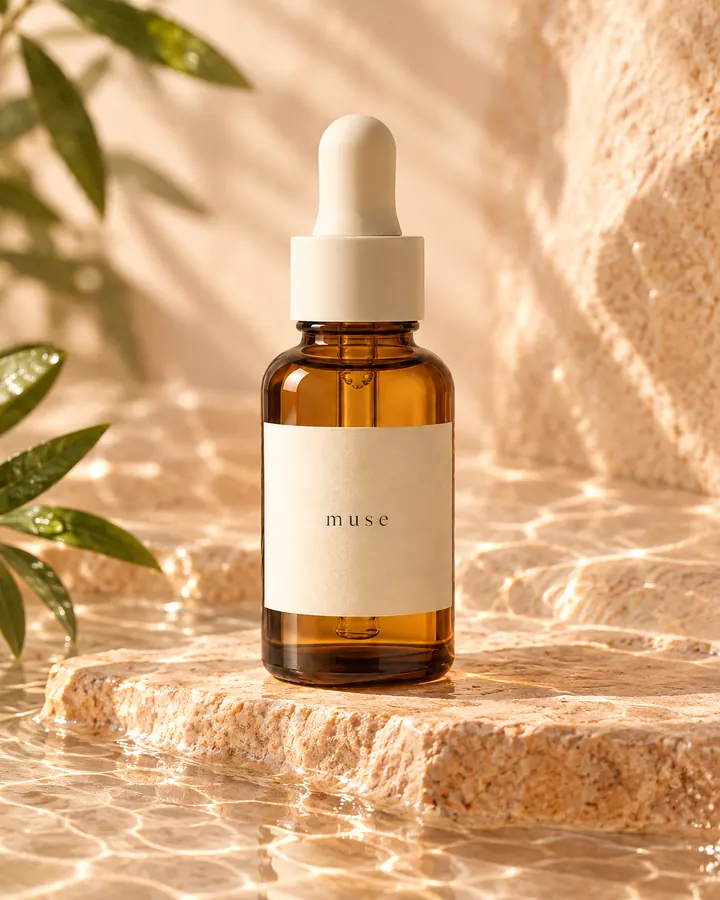
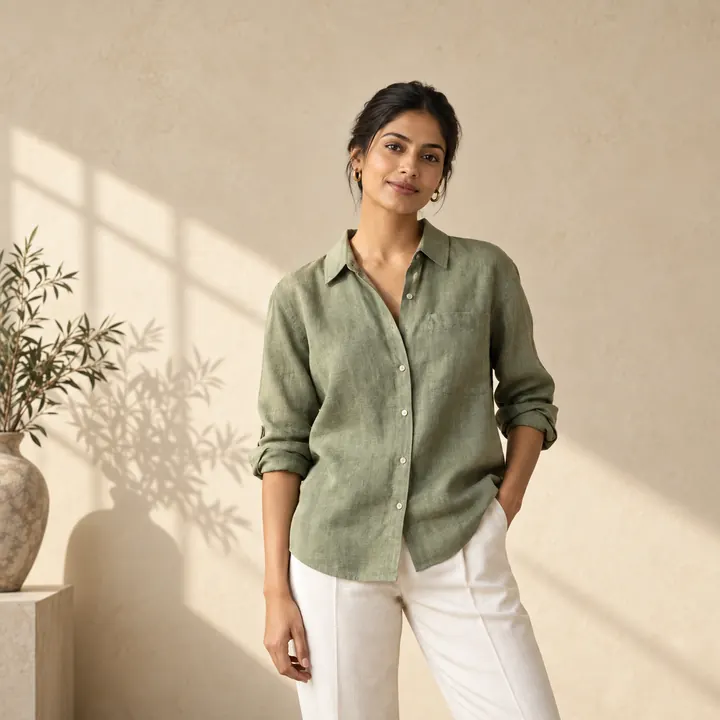
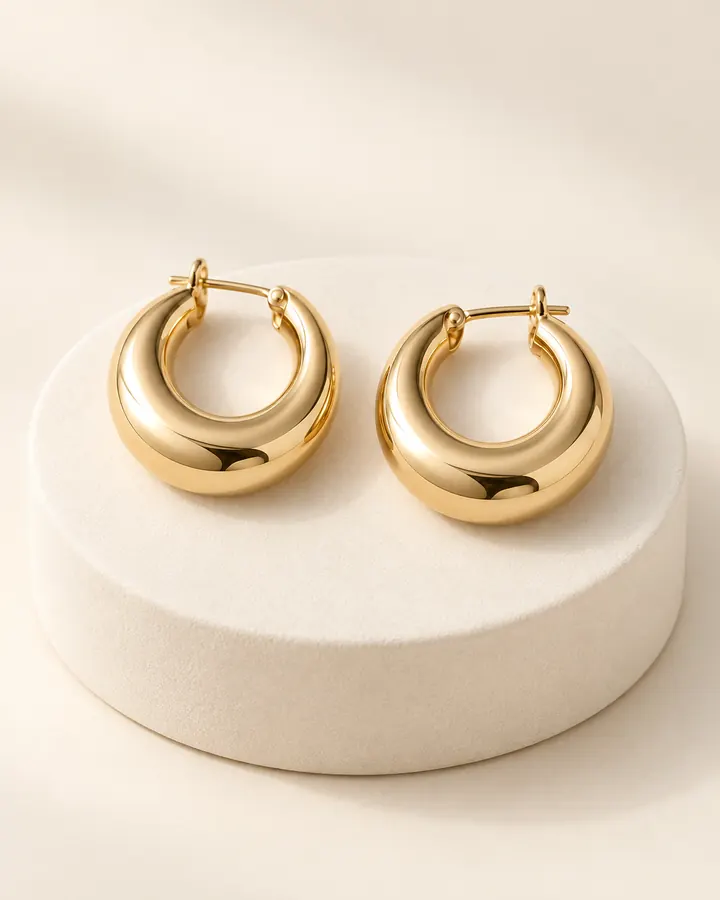
How it works
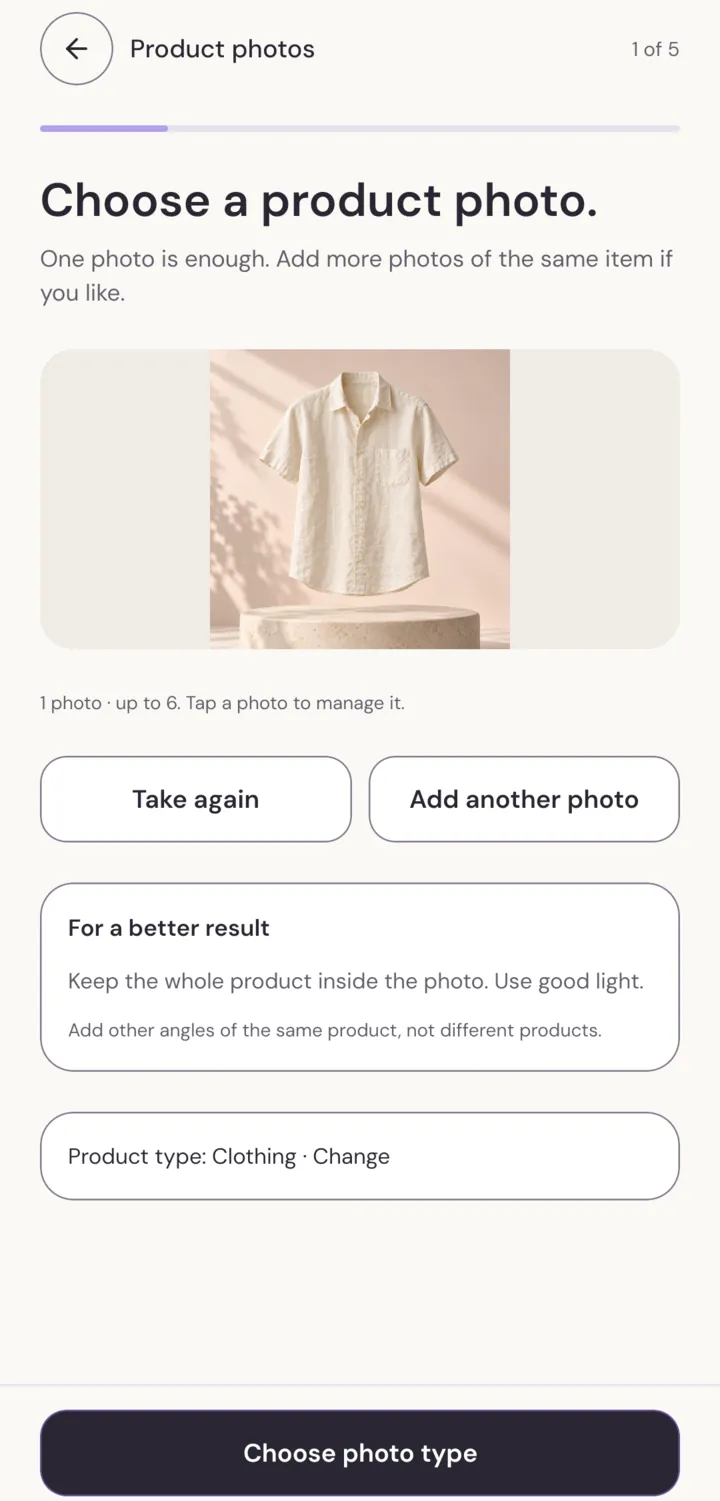
Snap your product or pick it from your gallery. One clear photo is enough. Add up to six angles of the same item if you like.
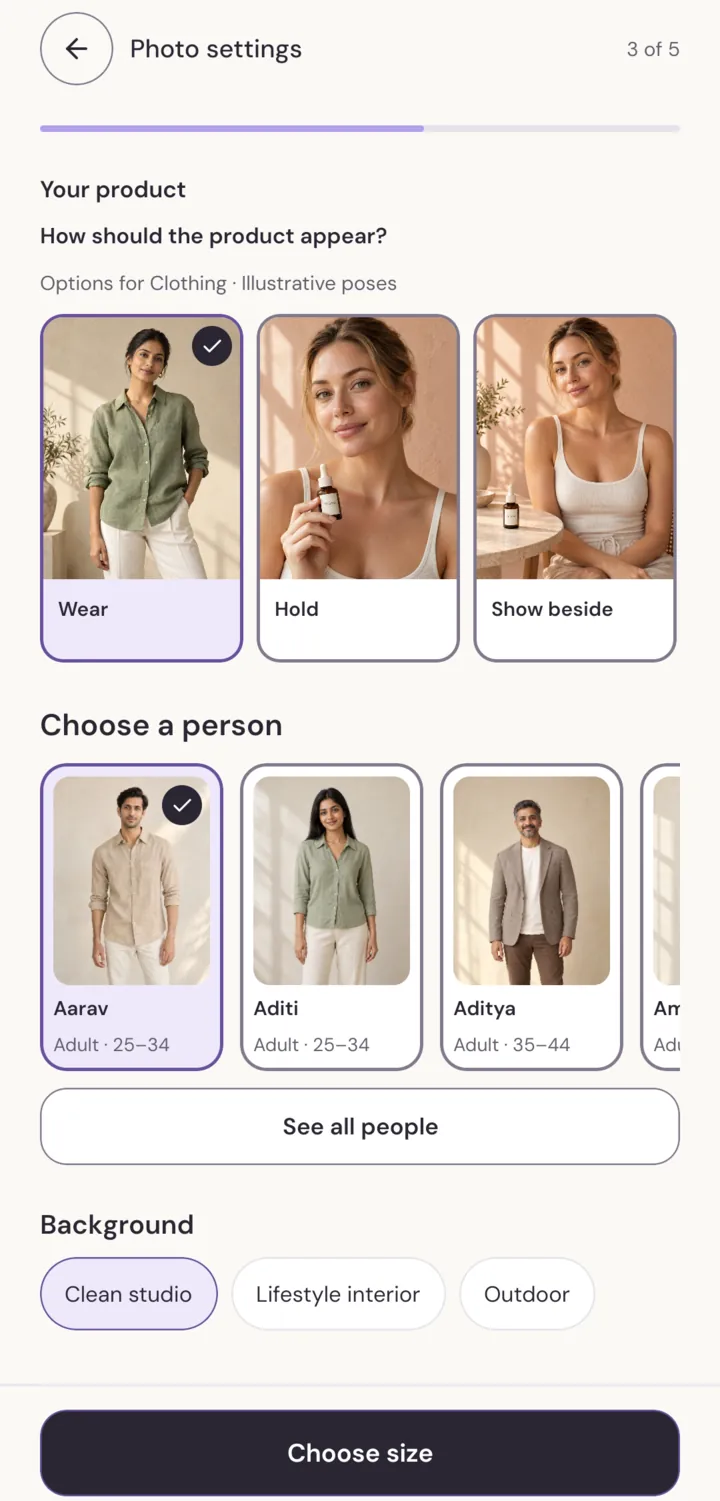
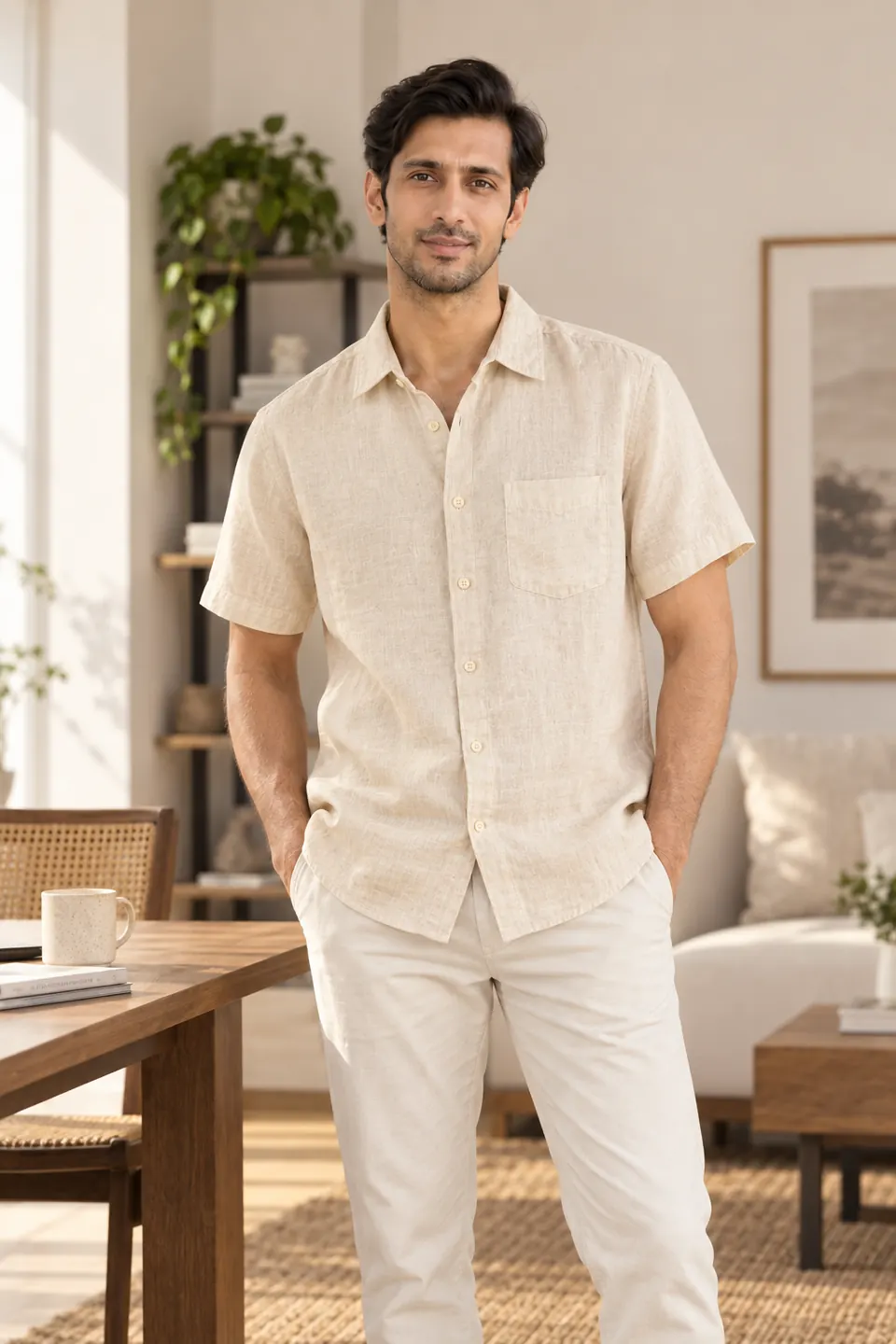
With a person, on a shop display, or only the product. Choose how it is worn or held, the model and the setting.
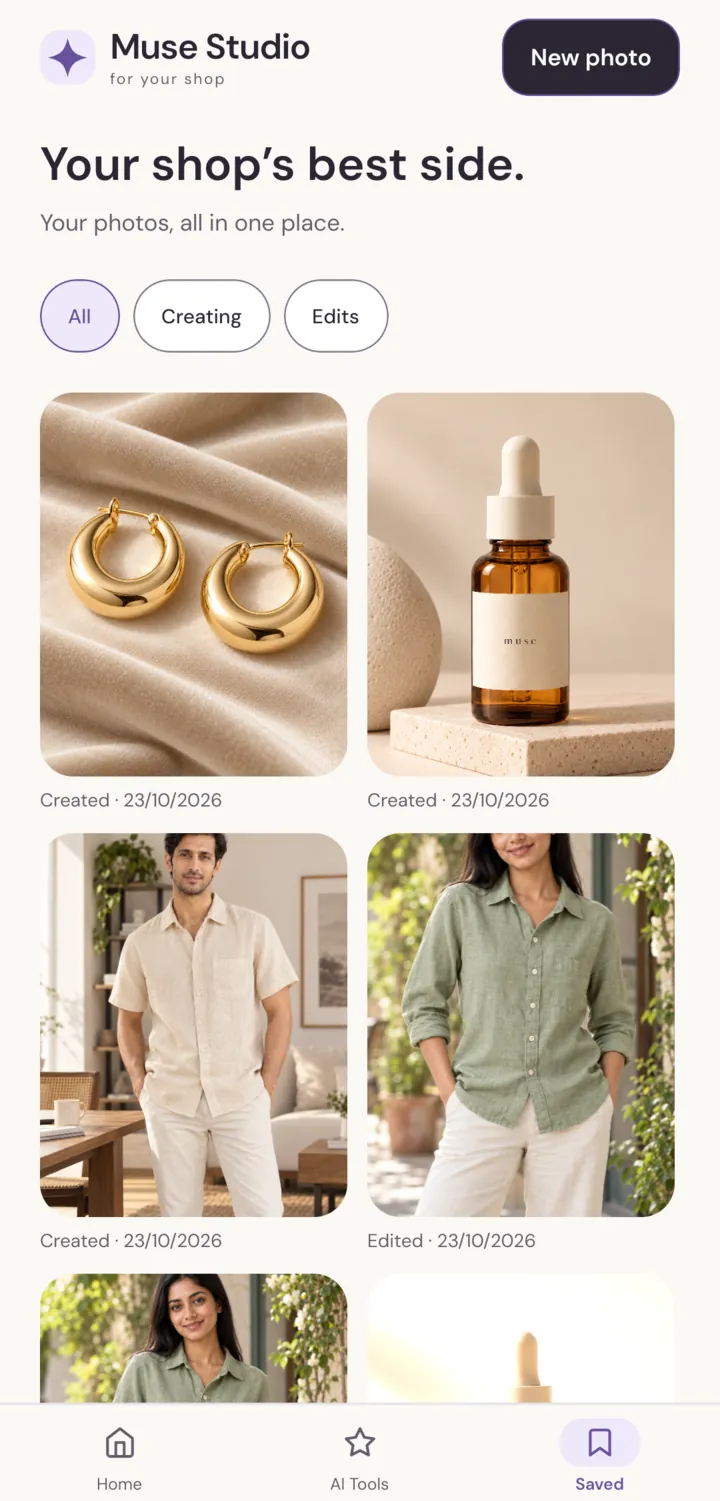
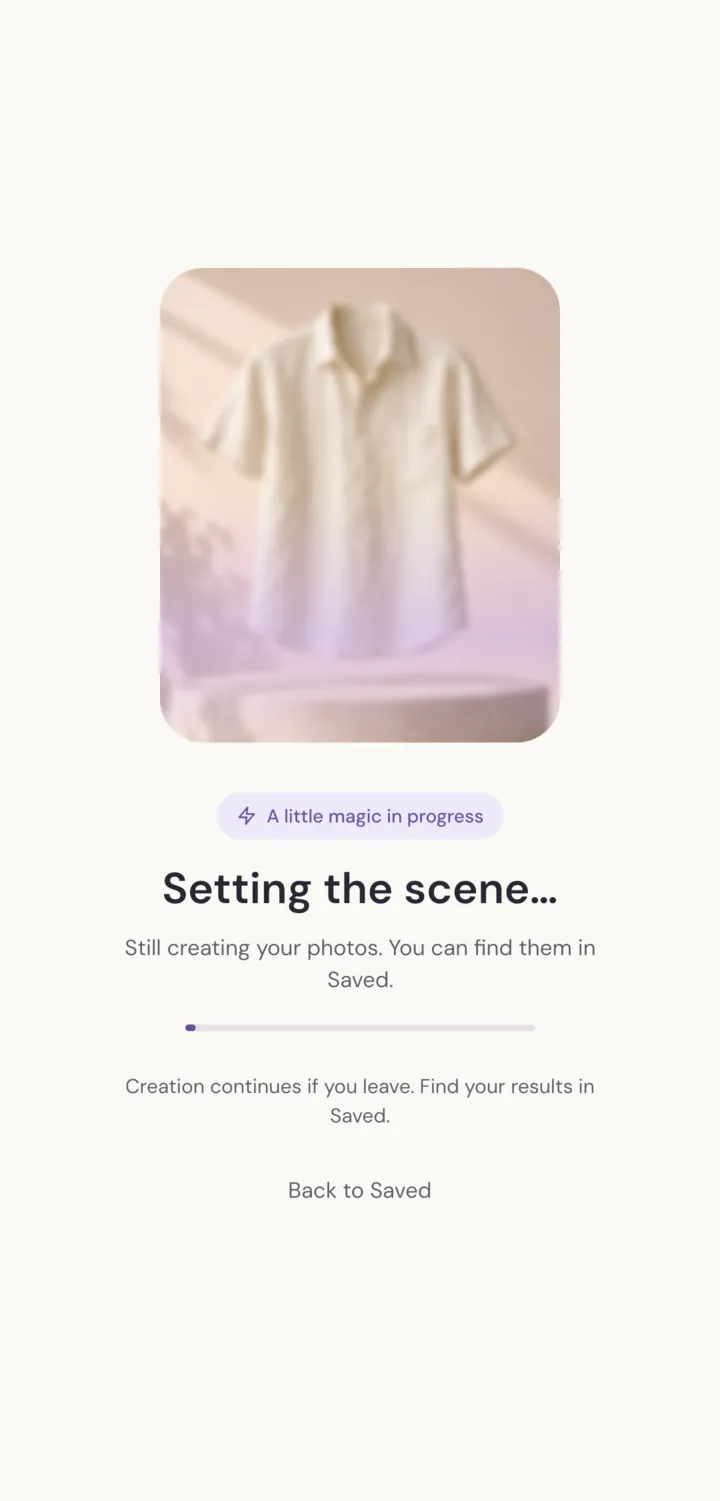
SellerShot builds your photo in about a minute. Leave if you need to; it waits for you in Saved.
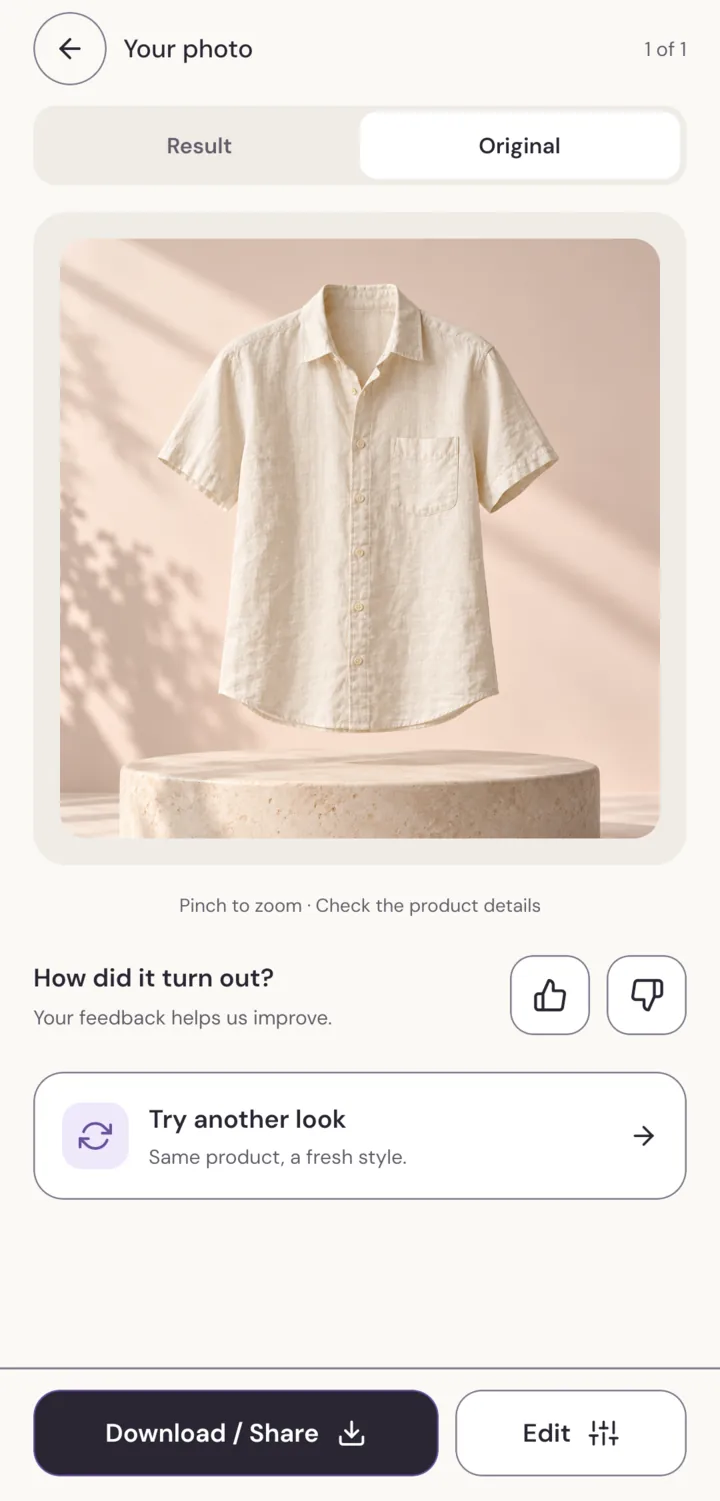
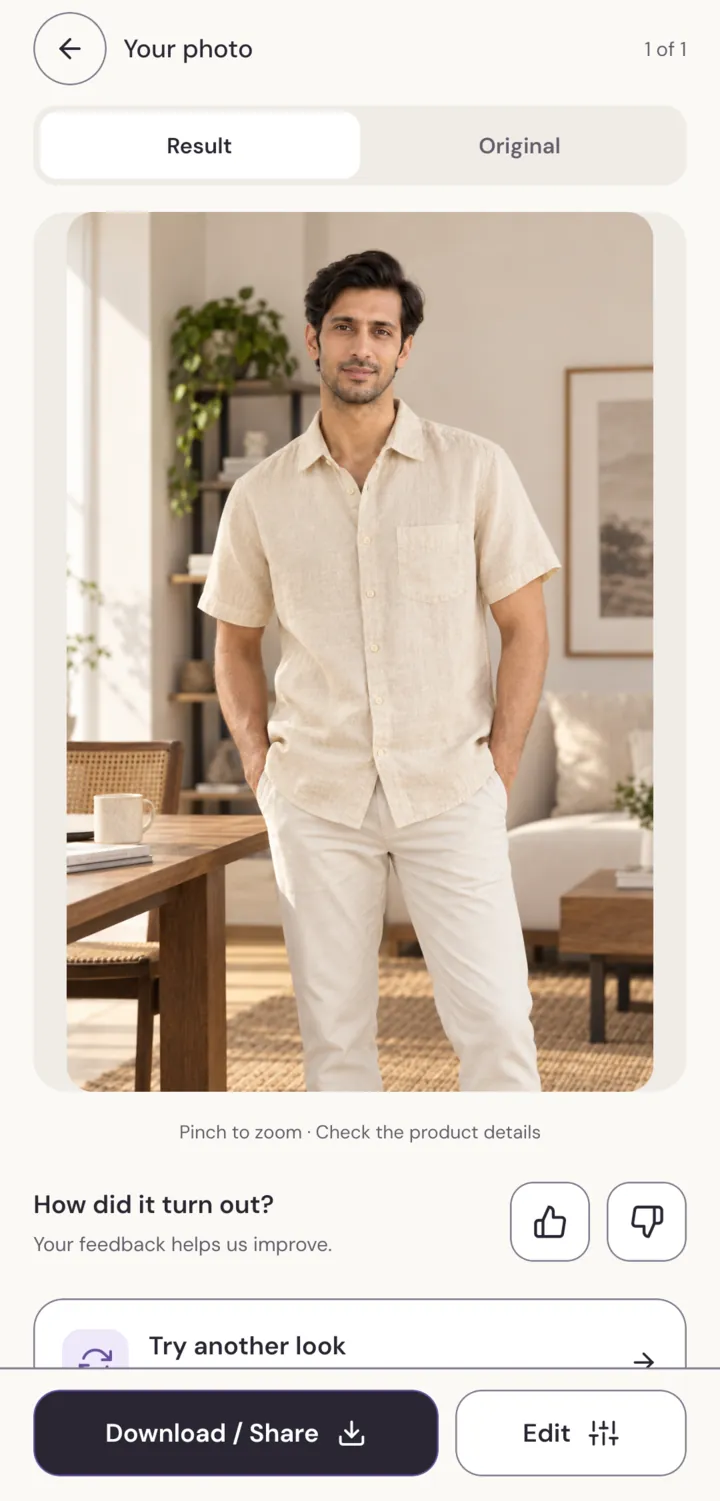
Flip between Result and Original to check every detail, then download or share. A finished photo uses one photo from your balance.
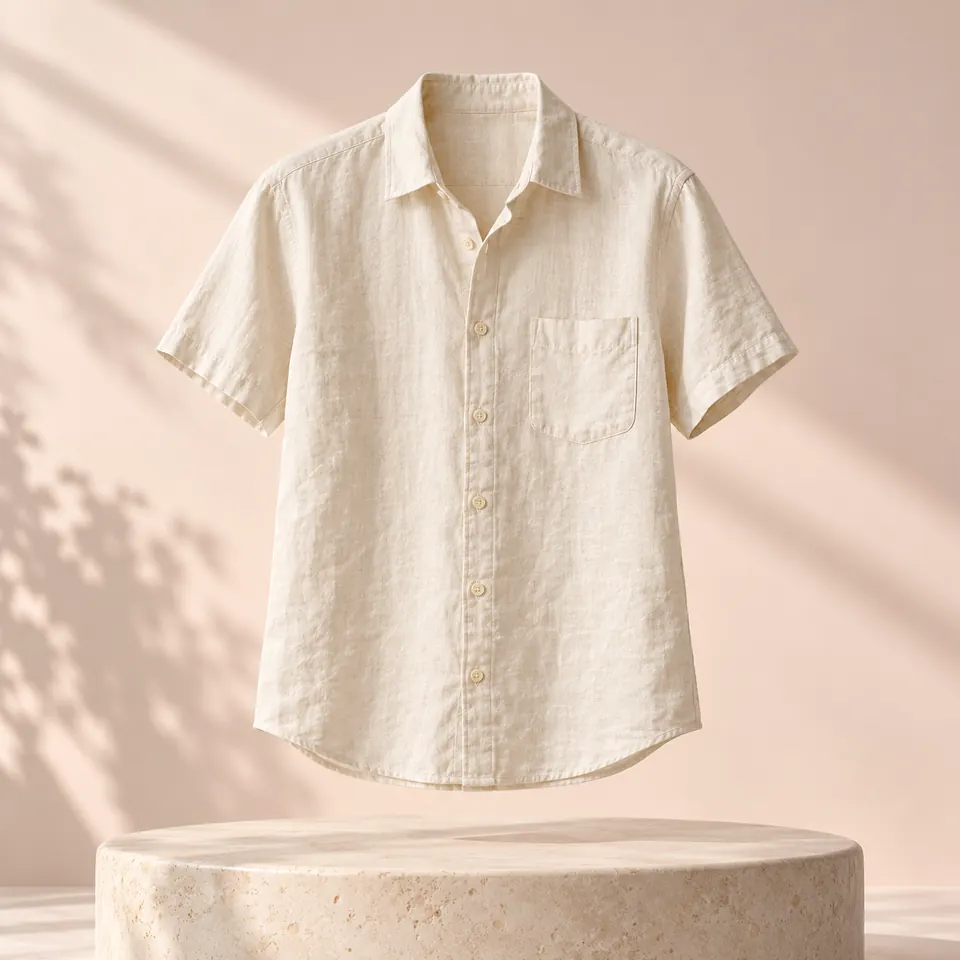
Three ways to show it
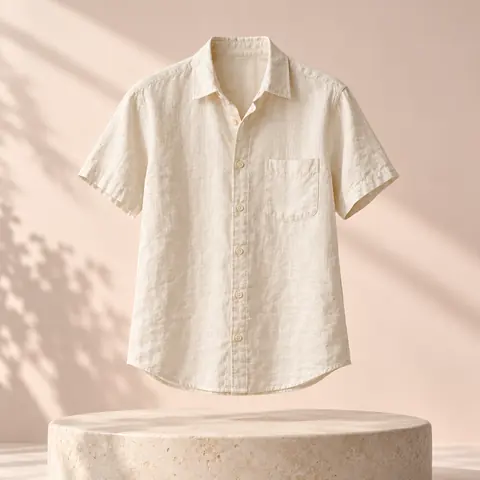
Drag across the photo to compare your original with the result.
AI tools
Already have a photo? Clean it up, change the setting or add your brand.
Let your product stand out on a clean cut-out.
Give your photo a new setting.
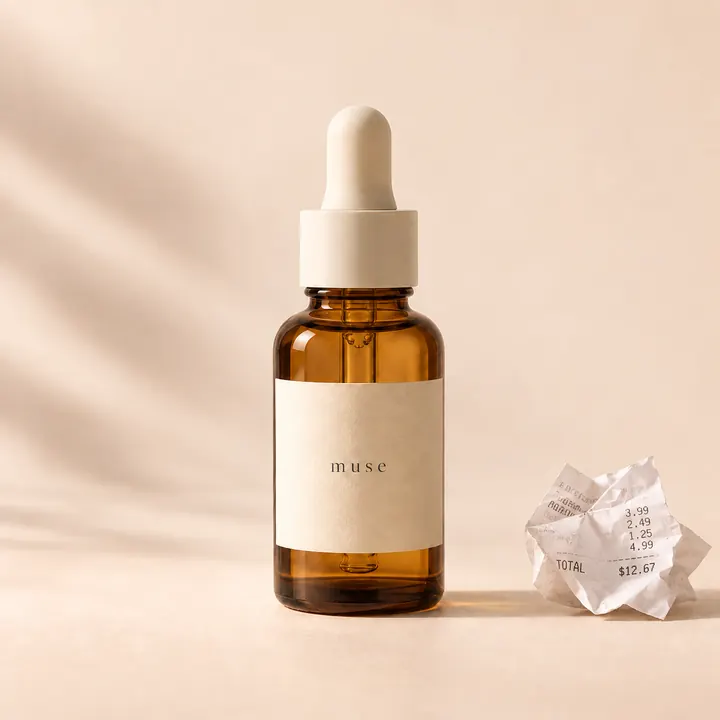
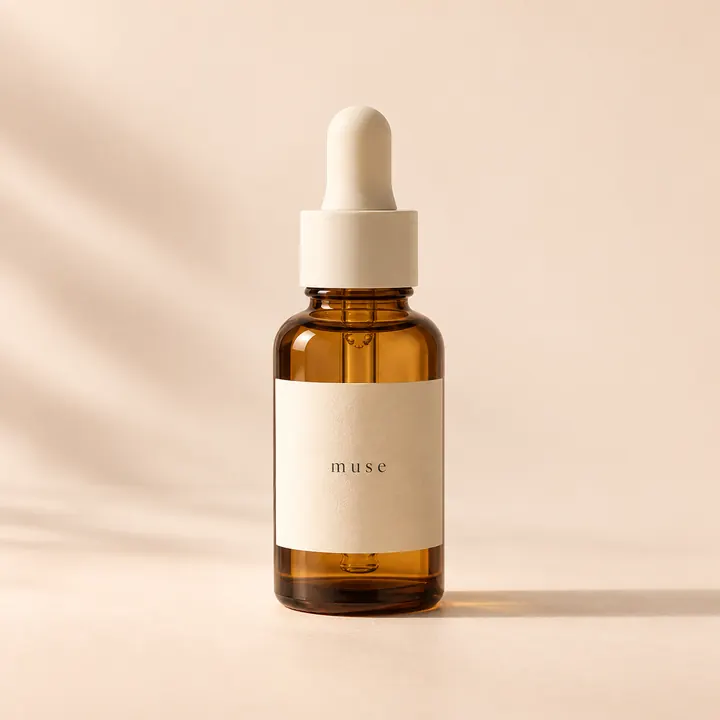
Brush away distractions.
A little more room to create.
Bring out the details.
Finish with your words and brand.
Every channel
Choose the image shape before you create, so nothing important gets cropped.
Made for sellers
Every result has a Result and Original view, so you can check shape, colour and labels before you share.
Unused photos stay in your balance, month after month, even after a plan ends.
Photos are reserved when creation starts and return to your balance if a result doesn't finish.
Delete your account from the app at any time. Your uploads and creations go with it.
Pricing
One finished photo uses one photo from your balance. Basic edits are free.
5 photos
when you sign up
25 photos
every month
75 photos
every month
Plans are billed through the App Store or Google Play. You'll see the price for your country before you subscribe, and you can cancel anytime in your store settings.
FAQ
No. One clear phone photo works. Keep the whole product in the frame and use good light, and SellerShot does the rest.
Clothing, jewellery, beauty and skincare, bags and accessories all work well. Clothing can be worn by a model or shown on a mannequin; smaller items can be held, shown beside a model, or styled in a scene.
About a minute. You can leave while it works and find the finished photo in Saved.
Yes, they're made for your shop, marketplace listings and social posts. AI can change small details, so check each result against your original before you publish. The Terms have the details.
Photos are reserved when creation starts. If a result fails, they go back to your balance automatically.
Yes. SellerShot is coming to the App Store and Google Play. Your account, photos and balance are the same on both.
Your photos are stored with your account so you can find them in Saved, and you can delete your account from the app at any time. Read the Privacy Policy for the full picture.
Download SellerShot, add a product photo and see it in a new light in about a minute.